
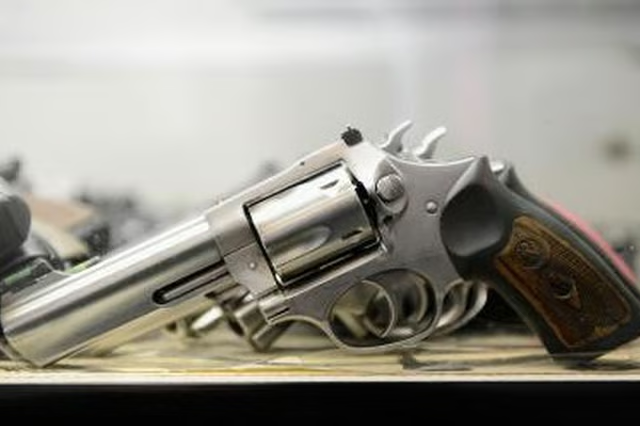
Decoding the serial number on a Smith & Wesson firearm requires some research, as several codes were utilized for guns manufactured before and after World War Two. Reading the serial number is appealing for gun owners because the letters and numbers can reveal the year of manufacture and the rarity of the weapon.
Step 1
Ralph Orlowski/Getty Images News/Getty Images
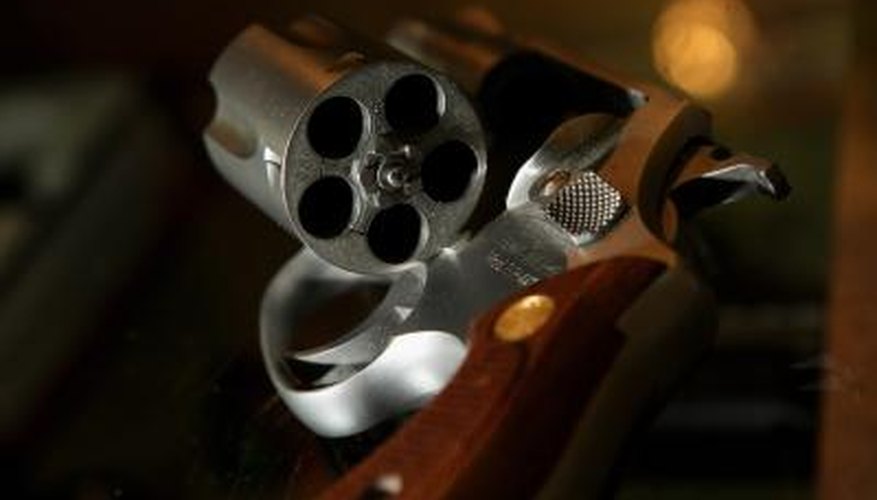
Unload the gun and clear the chamber; make sure it is safely unarmed and unloaded before handling.
Step 2
Kevork Djansezian/Getty Images News/Getty Images
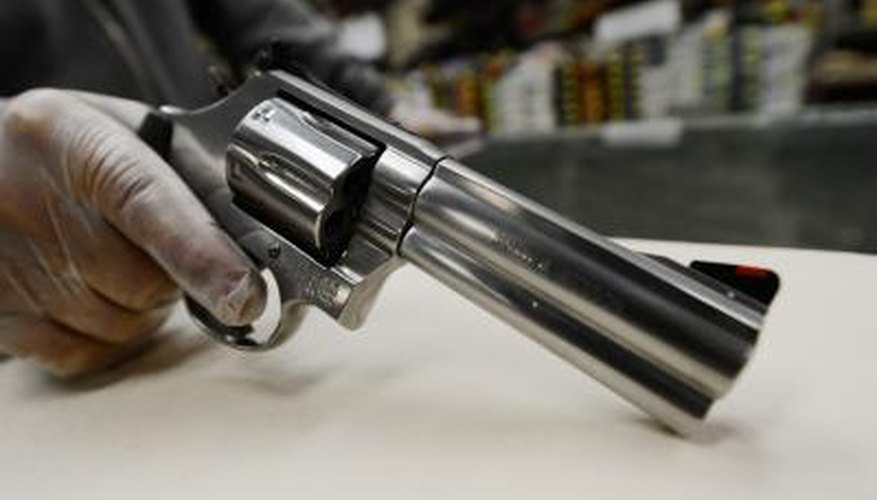
Examine the surface of the S&W gun to find the serial number. Depending on what year it was made, the serial number could appear in various places, such as below the barrel on a revolver or on the bottom of the grip.
Step 3

Julija Sapic/iStock/Getty Images
Obtain a copy of the 3rd Edition of "The Standard Catalog of Smith & Wesson," which lists all of the different gun models and the corresponding years of their serial numbers. For example, pre-World War Two models have only numbers, while later models can include letters. These models can begin with the prefix S, N, C, D or K. Consulting the Standard Catalog is the only accurate way to find the exact year of manufacture.