
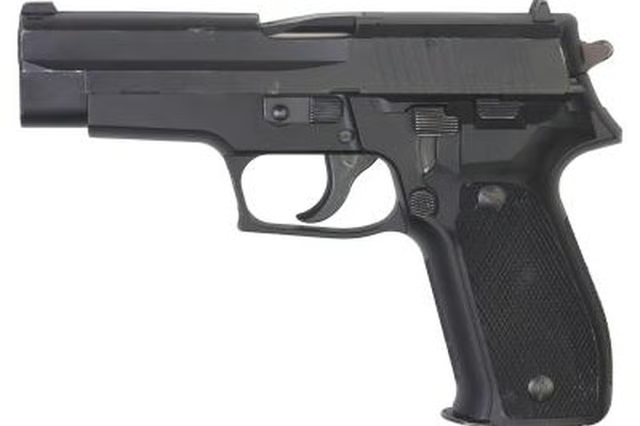
The Smith and Wesson M&P model handgun was designed specifically for the needs of military and police forces. The high-tensile strength design provides for extreme safety and durability in the field. The M&P model handgun is also available to the public, and is available in the .40-caliber, .357 sig, and 9mm models. The rear sights of the M&P handgun can only be adjusted for windage. The windage adjustment process for rear sights of the M&P model handgun is a relatively simple process and requires a punch tool.
Items you will need
Brass, plastic or drift punch tool
Step 1
Fire a group of three or four shots onto a standard pistol target at a distance of at least 25 yards. Ensure that you wear proper safety ear and eye protection.
Step 2
Observe the placement of the shot group. For example; If the group of shots fired lands to the right of the bull's-eye, then you will have to adjust your sights to the right.
Step 3
Loosen the sight set screw on the rear sight by turning counterclockwise. Once the screw is loosened, move the sight to the left or right by using a punch or drift gunsmith tool. This tool will not mar the surface of the sight. Place it on the side of the sight and push toward the left or right per your targeting needs.
Step 4
Re-secure the sight set screw after adjustments have been made.