
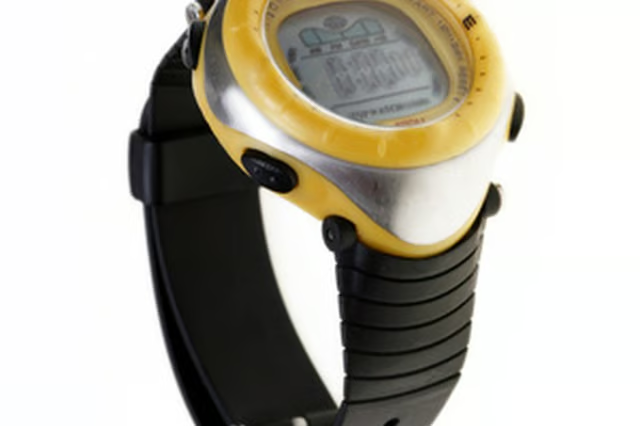
Navigating terrain with a digital compass beats pinpointing your location using the sun or stars. But the digital compass included in your Casio Pathfinder watch requires regular calibration to perform perfectly. The bidirectional calibration setting can be done in the field; and the northerly calibration requires a separate compass. Check your watch before you set out to make sure both are properly calibrated.
Items you will need
Compass
Bidirectional Calibration
Step 1
Enter the digital compass mode of the watch to begin bidirectional calibration. Use bidirectional calibration whenever you change environments significantly, as it improves the watch's ability to sense direction.
Step 2
Press down the "A" button -- on the upper left of the watch -- until the display changes to the setting screen. The watch will be ready to sense the first direction.
Step 3
Set the watch on a flat surface, facing any direction, and press the "B" button -- on the upper right of the watch to set the primary direction.
Step 4
Rotate the watch 180 degrees, then press the "B" button again to set the secondary direction.
Northerly Calibration
Step 1
Enter the digital compass mode of the watch to begin northerly calibration. Perform this after a bidirectional calibration to fully reset the internal compass within the watch.
Step 2
Press down the "A" button until the display changes to the setting screen. Press down the "D" button -- on the lower left of the watch -- to enter the northerly calibration.
Step 3
Set the watch on a flat and level surface, and move it so that the 12 o'clock position is pointed due north, as measured by a compass.
Step 4
Press the "B" button to set the watch compass. Allow the watch to complete the procedure before moving it so that it can return to the digital compass screen when complete.